Visitor asks
“What’s the status of SQ322?”
Screen shows
Gate, status, and walking directions — on one card, while they still talk.
 SmartKiosk.aiAny screen. Real answers.
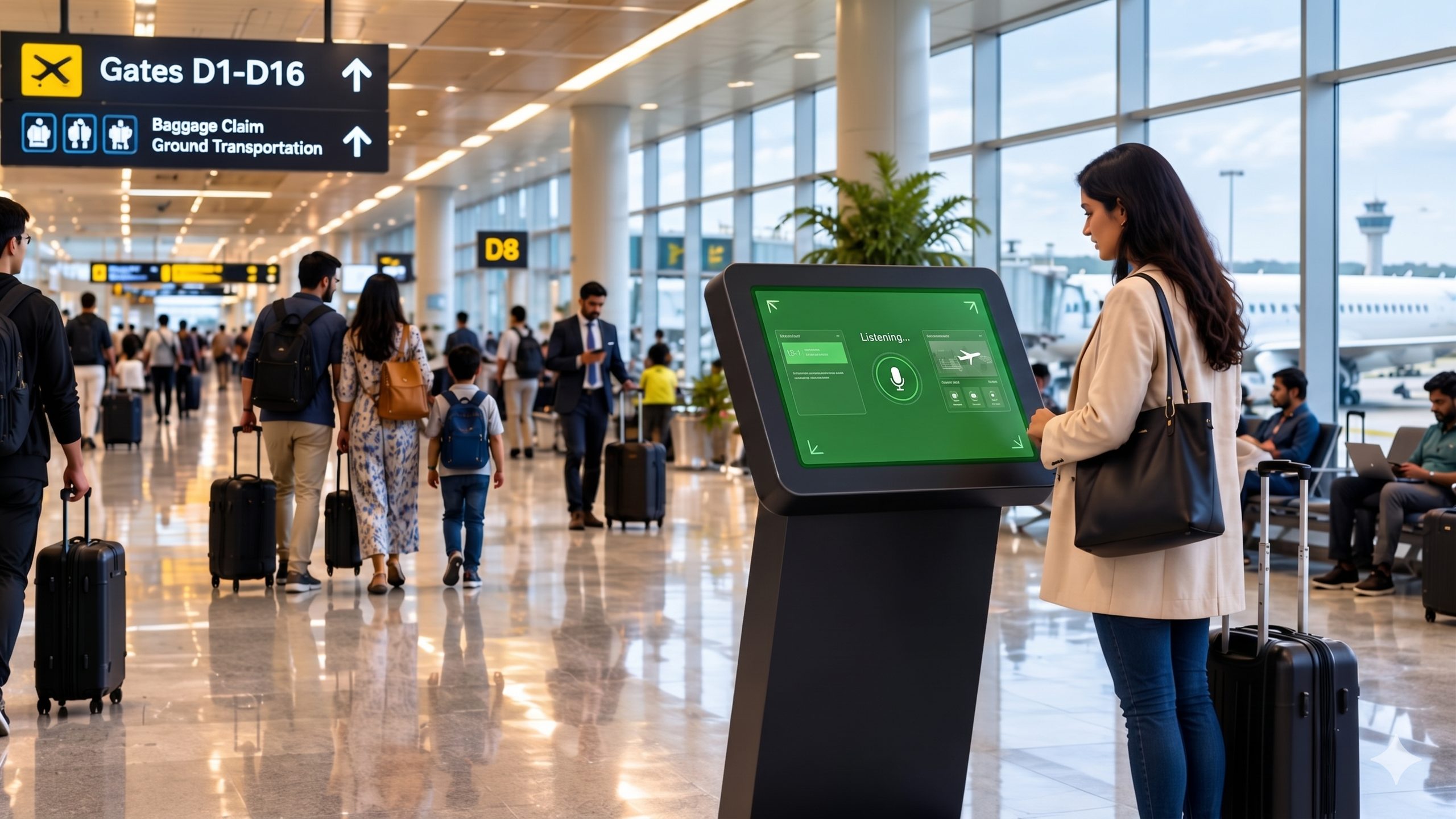
AI kiosk software for airports, campuses, and lobbies. Visitors ask this voice kiosk in 50+ languages. The screen shows flights, maps, and directions, on a tablet you already own.
Demos
Recorded conversations in English, Hindi, Marathi, and more, from PTE Asia Expo in Singapore. Try a live airport demo.
SmartKiosk for airports, malls, and campuses
Promo · English · 0:51
More demos coming soon.
Try it out
Install the app and open a prebuilt kiosk. Live flights and indoor maps, on a tablet you already have.
Status, gate, and belt from live flight data.
Places and paths from where you stand.
Ask naturally. Spoken and shown together.
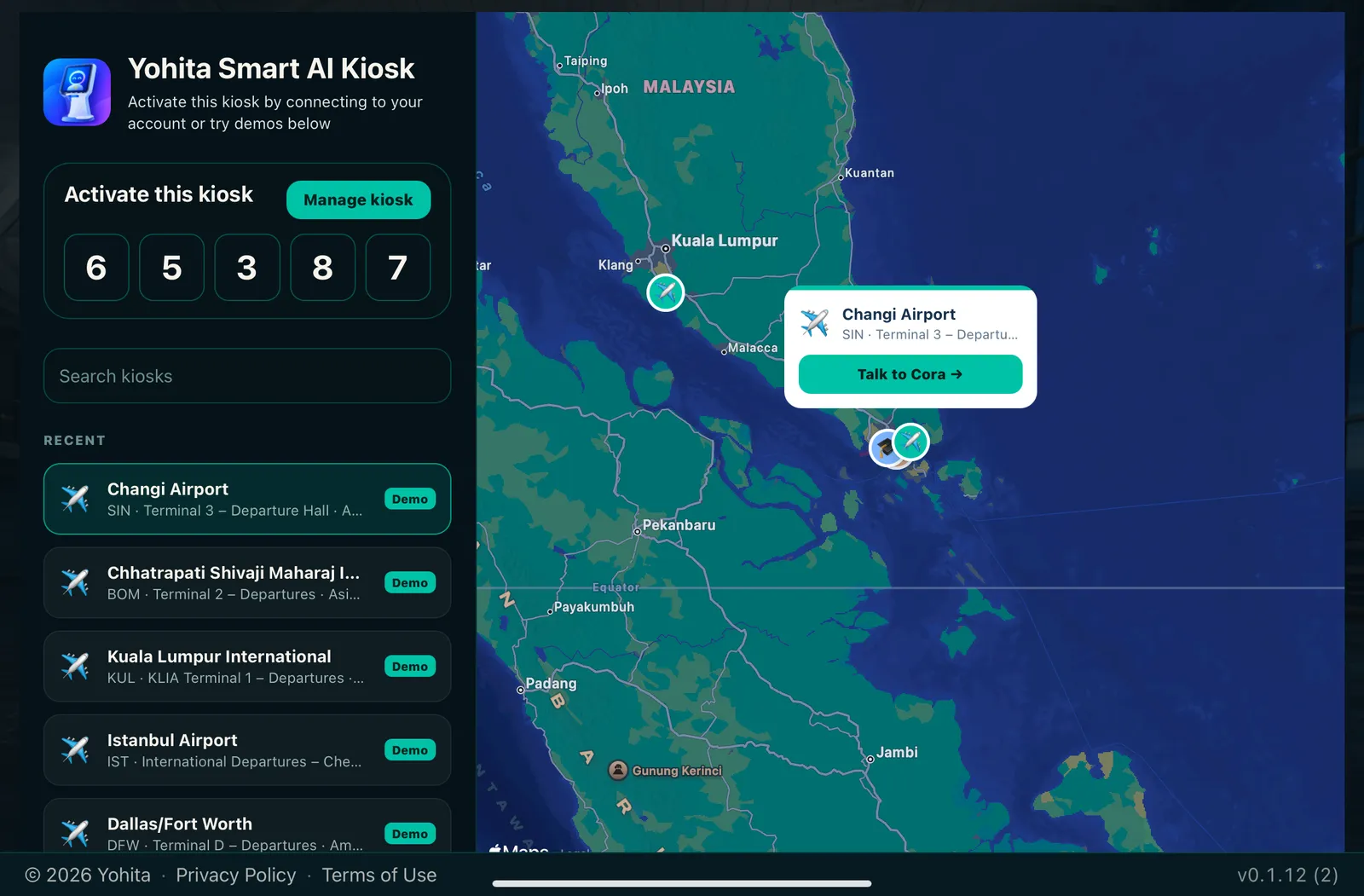
Airport demos in the app
Pick a code, open the kiosk, and talk to it.
Terminal 3 – Departure Hall · Cora
Terminal 3 – Departures · Check-in Row D · Diya
Terminal 2 – Departures · Mira
Terminal 2 – Departures · Nila
Terminal 3 – Departures · Noor
More verticals — campuses, malls, hotels, and others — are also ready inside the app.
Verticals
Airports, expos, campuses, and malls. A visitor asks the AI assistant kiosk out loud, and the tablet shows a flight, a map, or a directory.
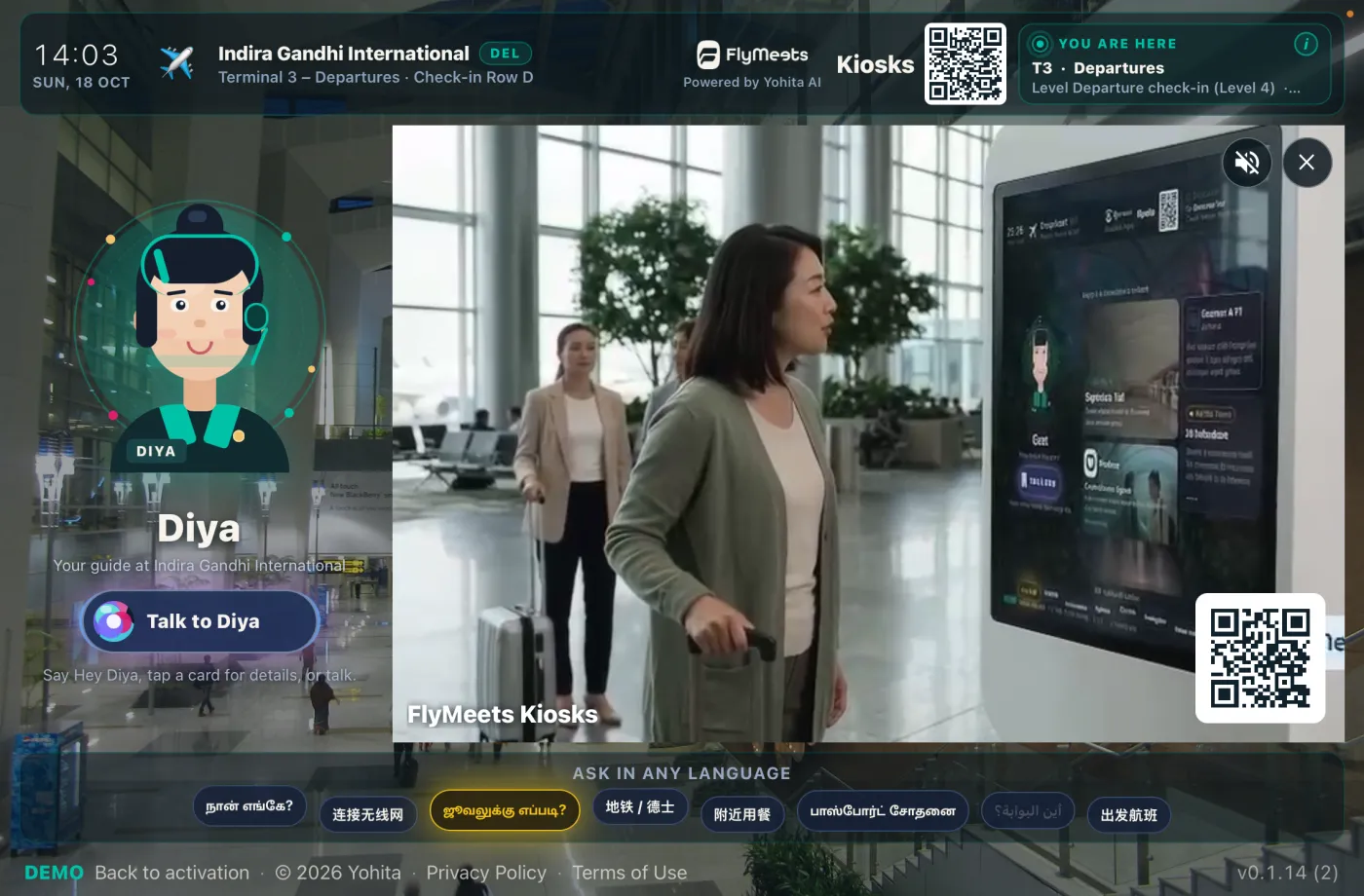
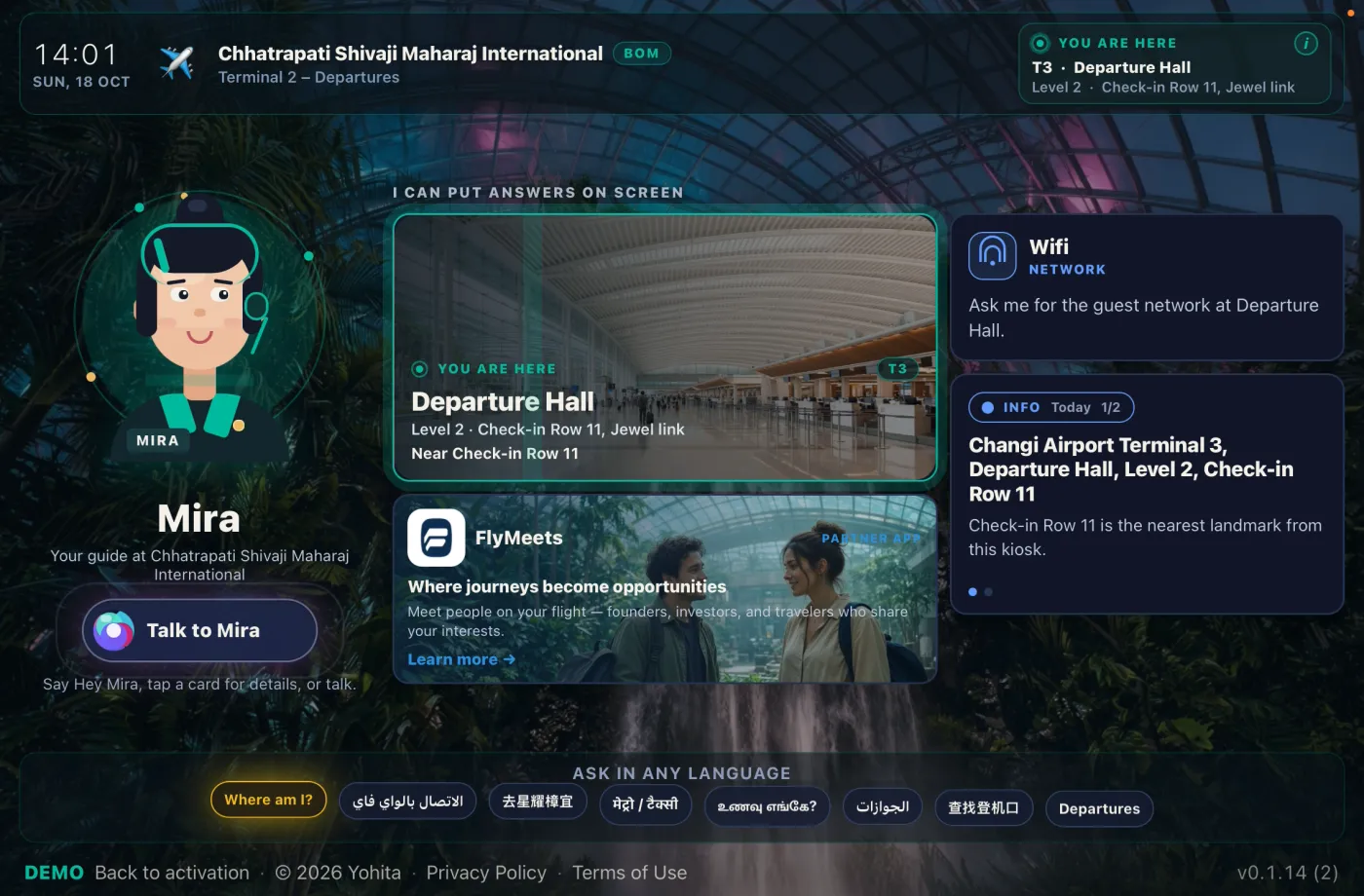
Where passengers pause in the terminal
Visitor asks
“What’s the status of SQ322?”
Screen shows
Gate, status, and walking directions — on one card, while they still talk.
Visitor asks
“Where’s the nearest currency exchange?”
Screen shows
A pin, the distance, and the next turn on the glass.
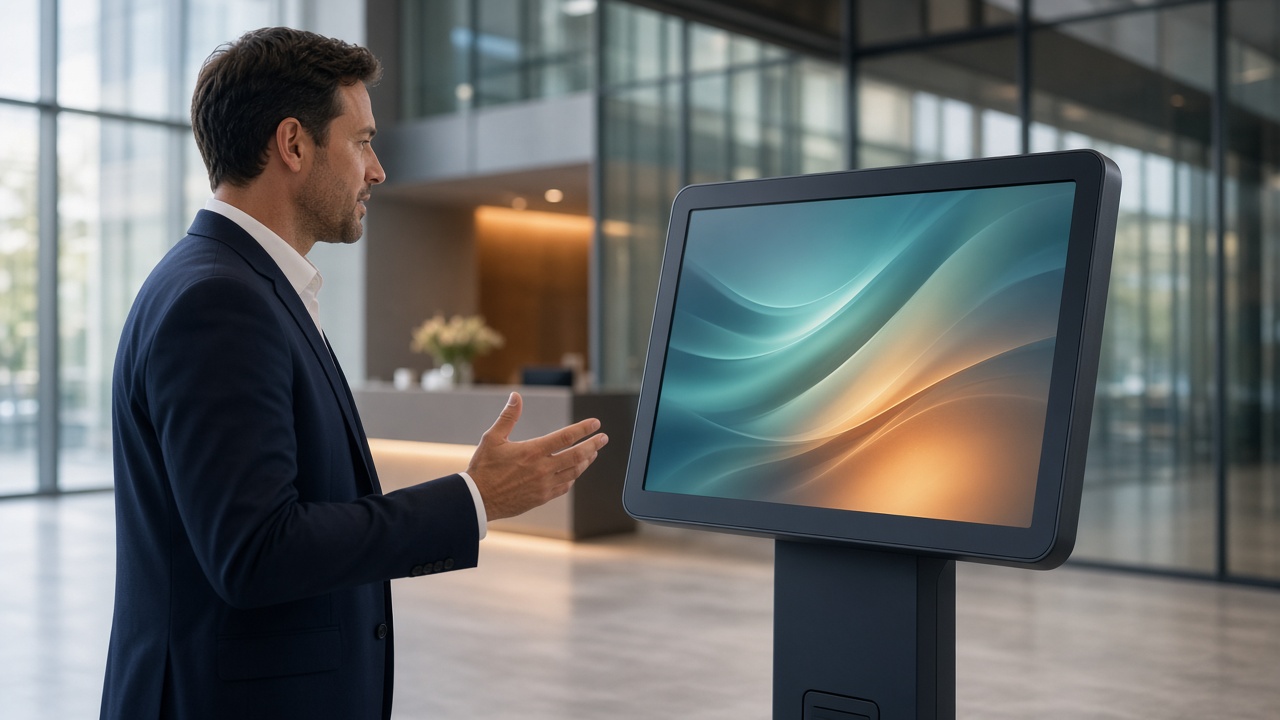
Corporate campus
Visitor kiosk in the lobby and at reception
Visitor asks
“I’m here to see Priya in product.”
Screen shows
Product is in the north tower, with the walk from this lobby.
Visitor asks
“Where is meeting room Orion?”
Screen shows
Building, floor, and a path from this lobby.
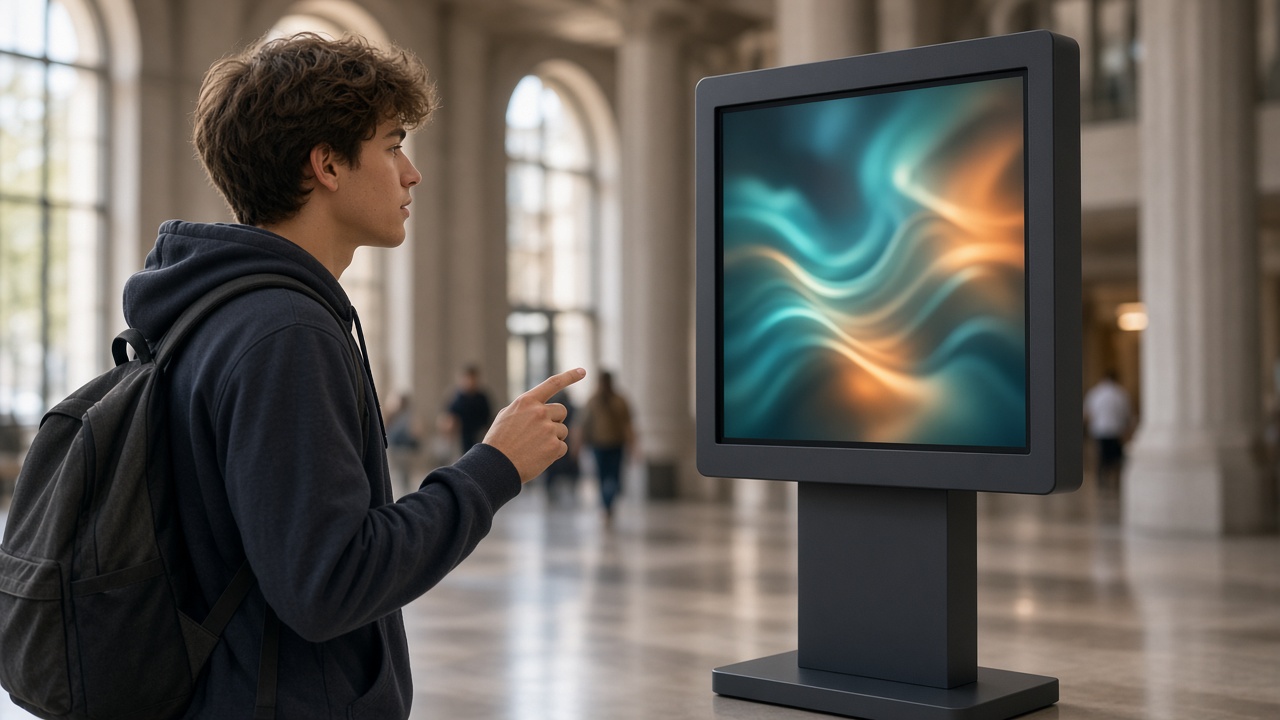
Main halls and student services
Visitor asks
“Where is the registrar’s office?”
Screen shows
Building, floor, and a path from where they stand.
Visitor asks
“When does the shuttle to north campus run?”
Screen shows
Today’s hours from the directory, and the walk to the stop.

Mall
Atrium and directory points
Visitor asks
“Where is the electronics store on level 2?”
Screen shows
Directory pin, floor, and walking time.
Visitor asks
“What’s on promotion near the food court?”
Screen shows
Promo cards from the venue’s idle playlist — live on the glass.
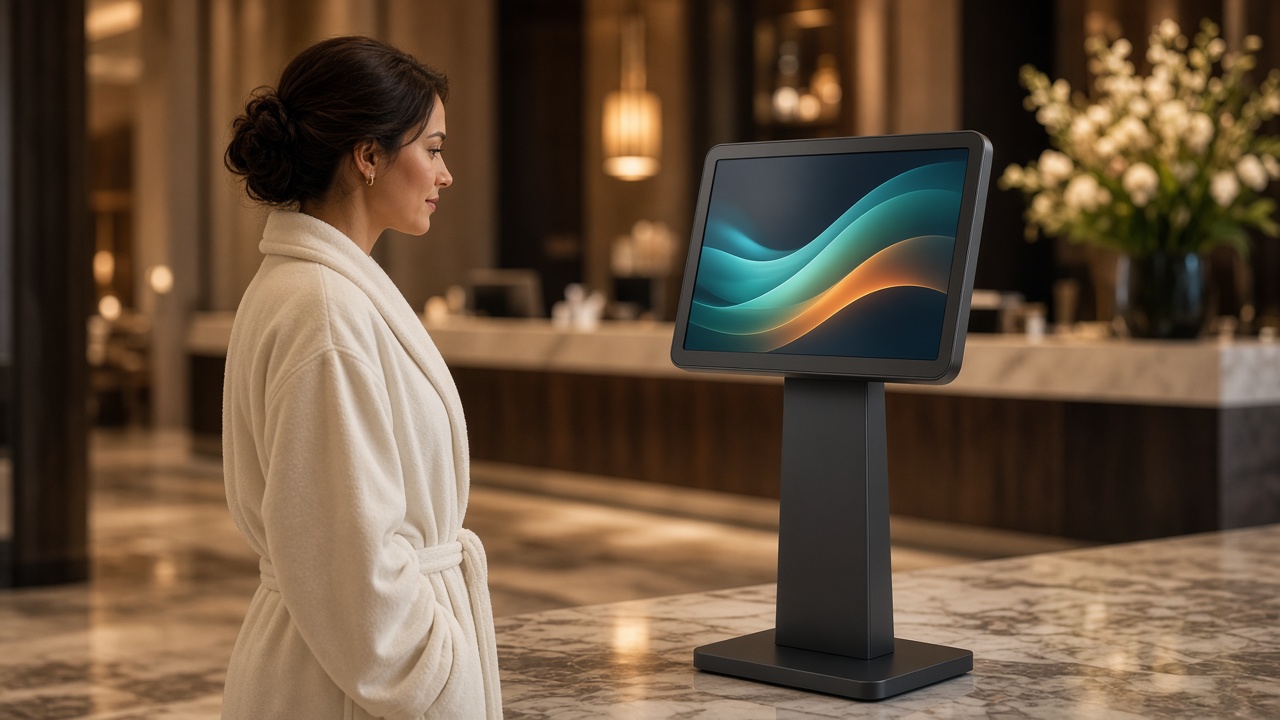
Hotel
Lobby, before the front desk
Visitor asks
“Where is the gym, and when does it close?”
Screen shows
Walking directions plus today’s hours.
Visitor asks
“What time is checkout?”
Screen shows
Checkout time — and late options if you offer them.
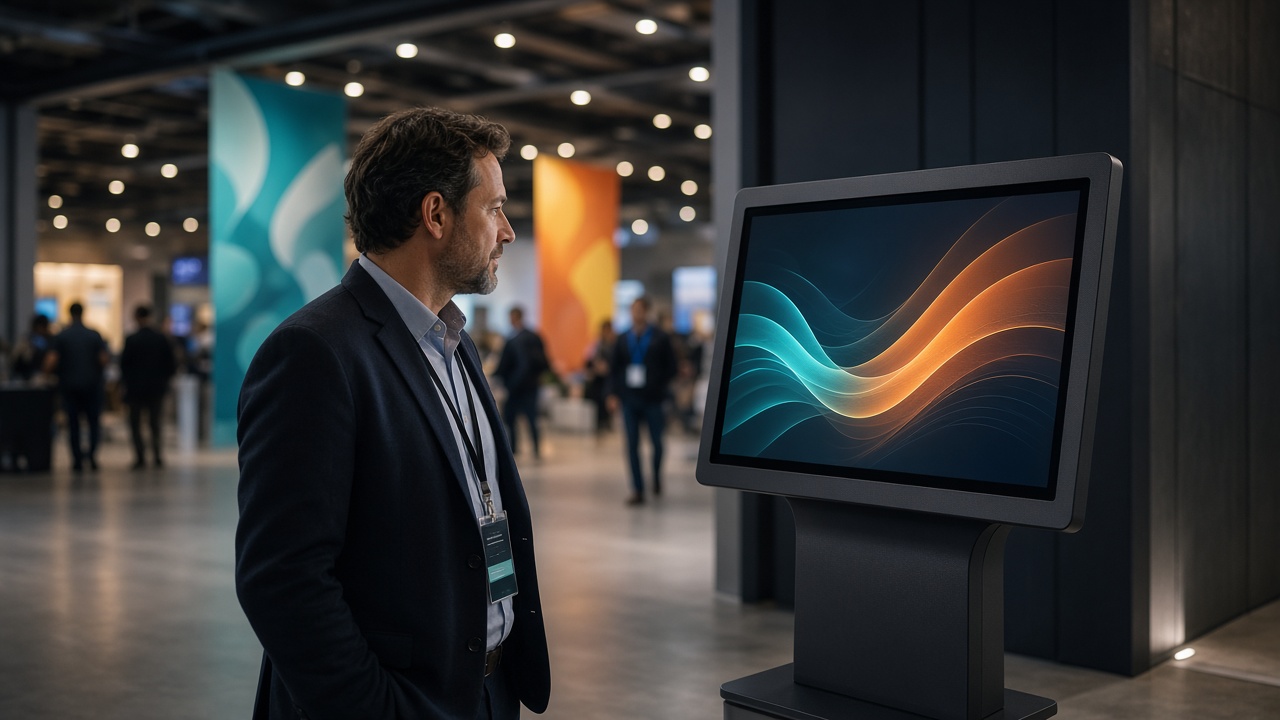
Expo
Event booths and trade-show halls
Visitor asks
“Where is stall 214 in Hall 3?”
Screen shows
Hall map, booth pin, and the walk from this entrance.
Visitor asks
“What time is the keynote, and where?”
Screen shows
Agenda card with time, stage, and how to get there.

Real estate
Real estate kiosk in a sales gallery or site office
Visitor asks
“Do you have a 3BHK facing the garden?”
Screen shows
Matching projects on the city map, with the details on screen.
Visitor asks
“Can I request a site visit this weekend?”
Screen shows
Spoken request, confirmed on screen, saved only after they say yes.
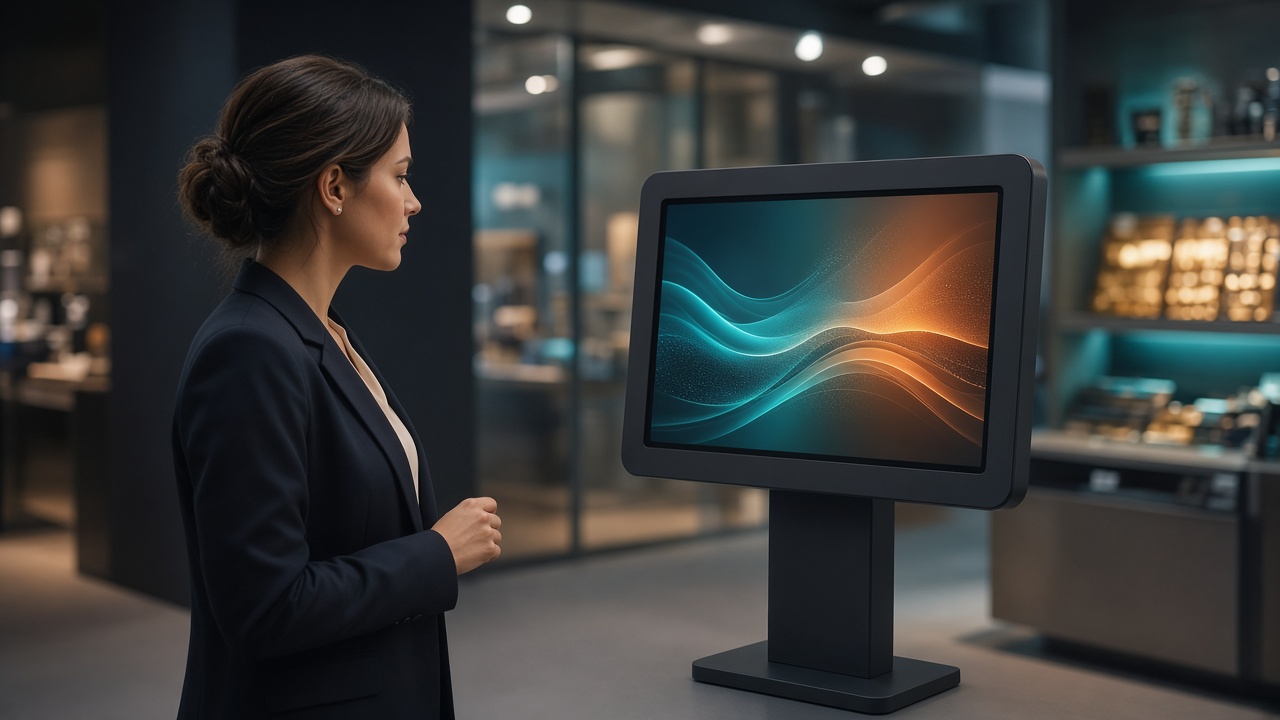
General business
Company booth or showroom
Visitor asks
“What products do you offer?”
Screen shows
Product cards from your catalog — spoken and shown together.
Visitor asks
“I’d like someone to call me about pricing.”
Screen shows
Lead lines appear as they speak; saved only after they confirm.
How it works
A touchscreen makes people hunt for a button. This conversational AI kiosk lets them ask the way they would ask a person. The flight, the map, or the directory stays on the screen.
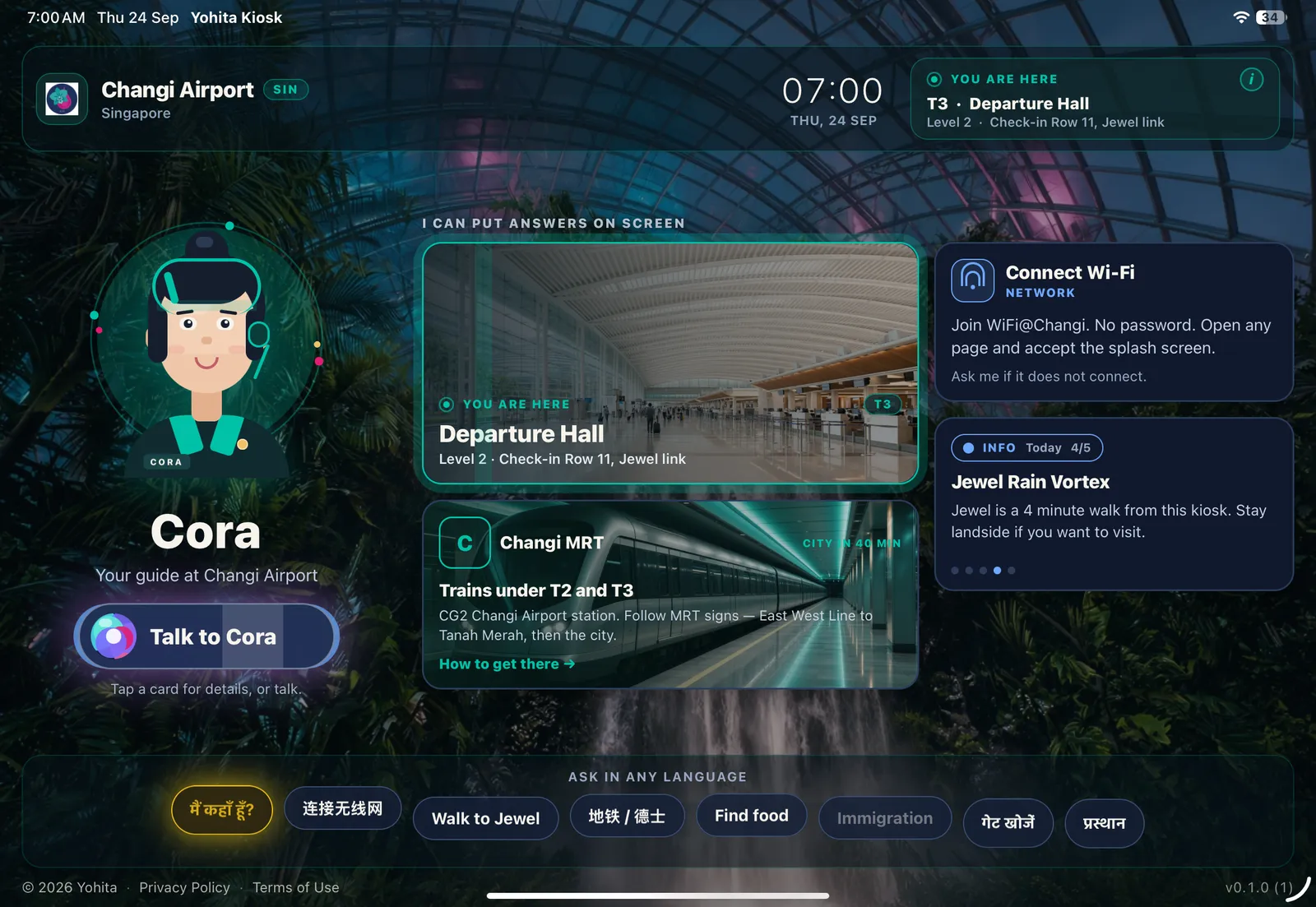
The difference
Visitor asks
“Where is gate C12?”
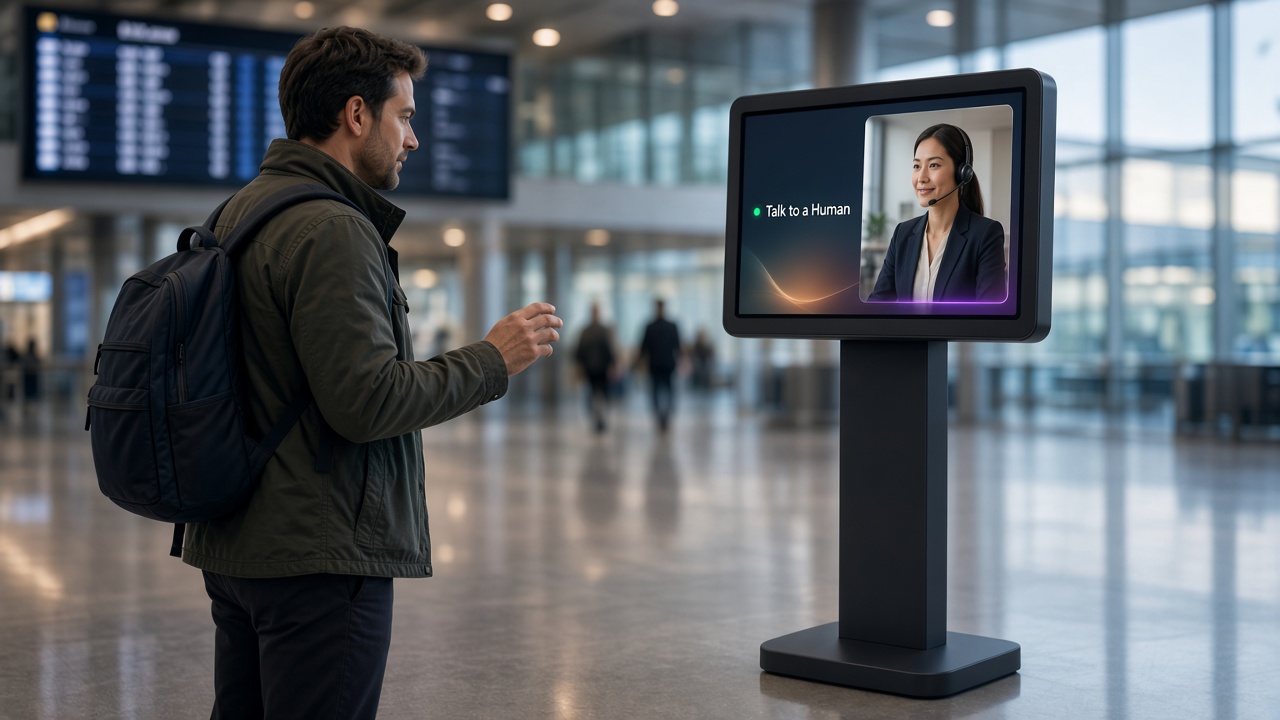
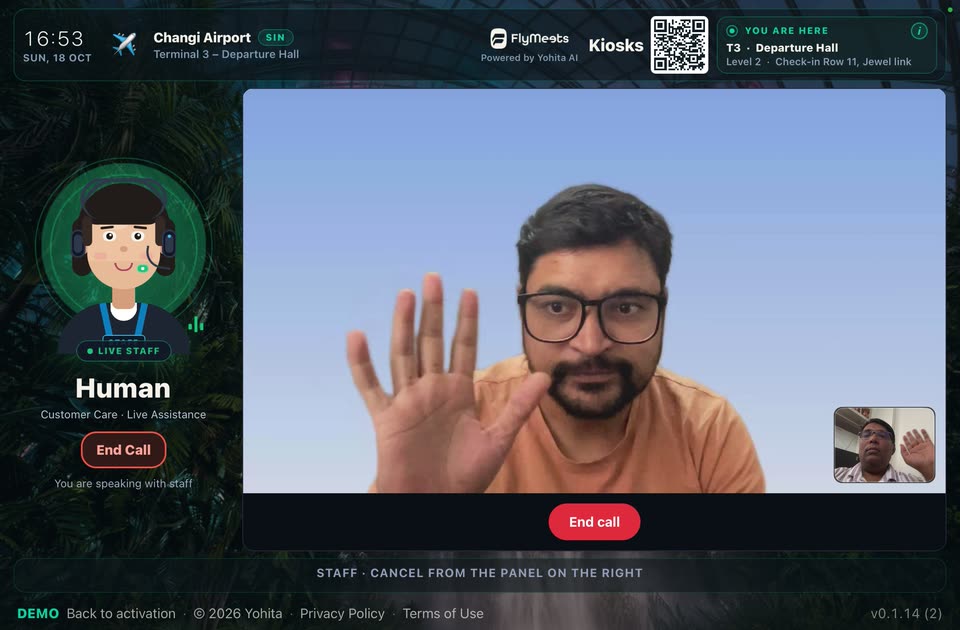
Live Concierge Escalation
Everyday questions stay with the AI kiosk. When a visitor requires personal assistance — or in an emergency — a live operator instantly joins the same screen with full context. Seamless, venue-controlled escalation that elevates guest and passenger care.
See it in actionA live operator joins from the screen the visitor is already using.
Emergencies, a hard question, or a visitor who asks for staff.
You turn it on per site. Operators stay inside your tenant. Escalation never leaves your organization.
Revenue
Video, promotions, and your own backdrop while nobody is asking. Airport and tenant campaigns run on the kiosk you already have.
Ask about the idle screen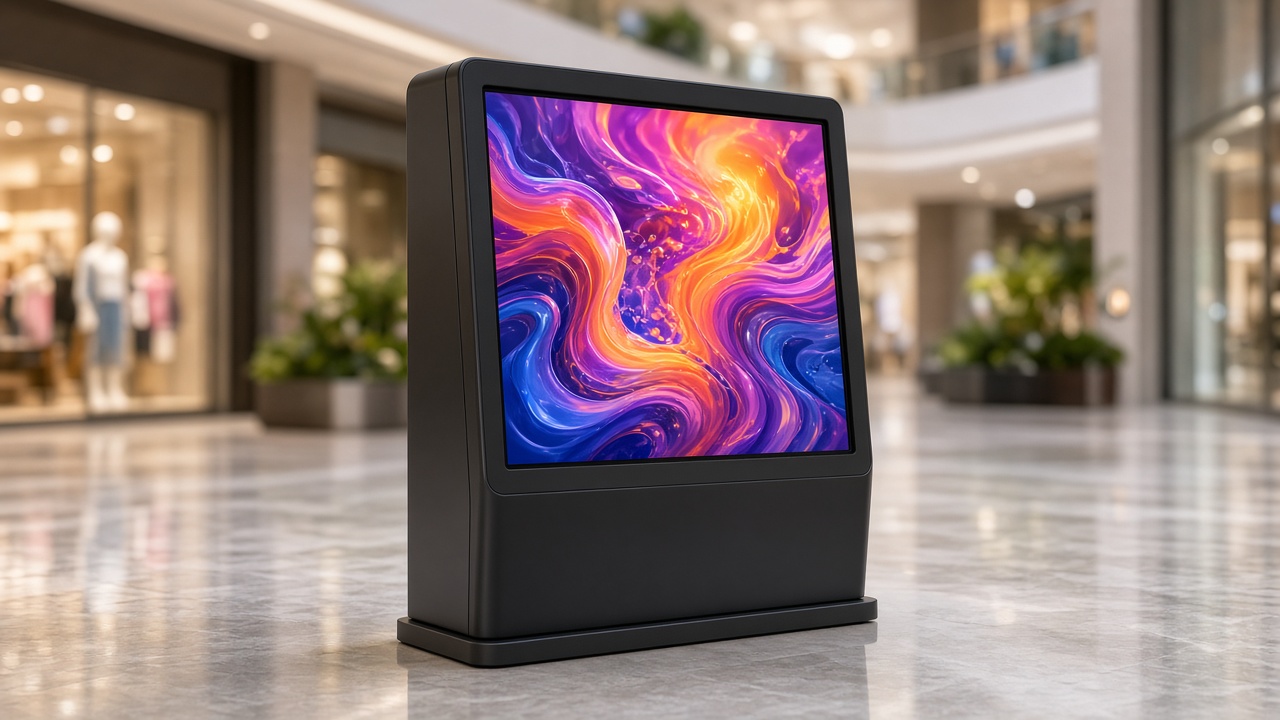
Full-bleed loops between sessions — airport and tenant campaigns on the same glass.
Offers and featured tenants in a rotating stack. Swap creatives from admin.
Stay on-brand when idle. Wake into a voice session the moment someone speaks.
Enterprise
Sessions expire. Each organization only sees its own kiosks. Provider keys never sit on the device.
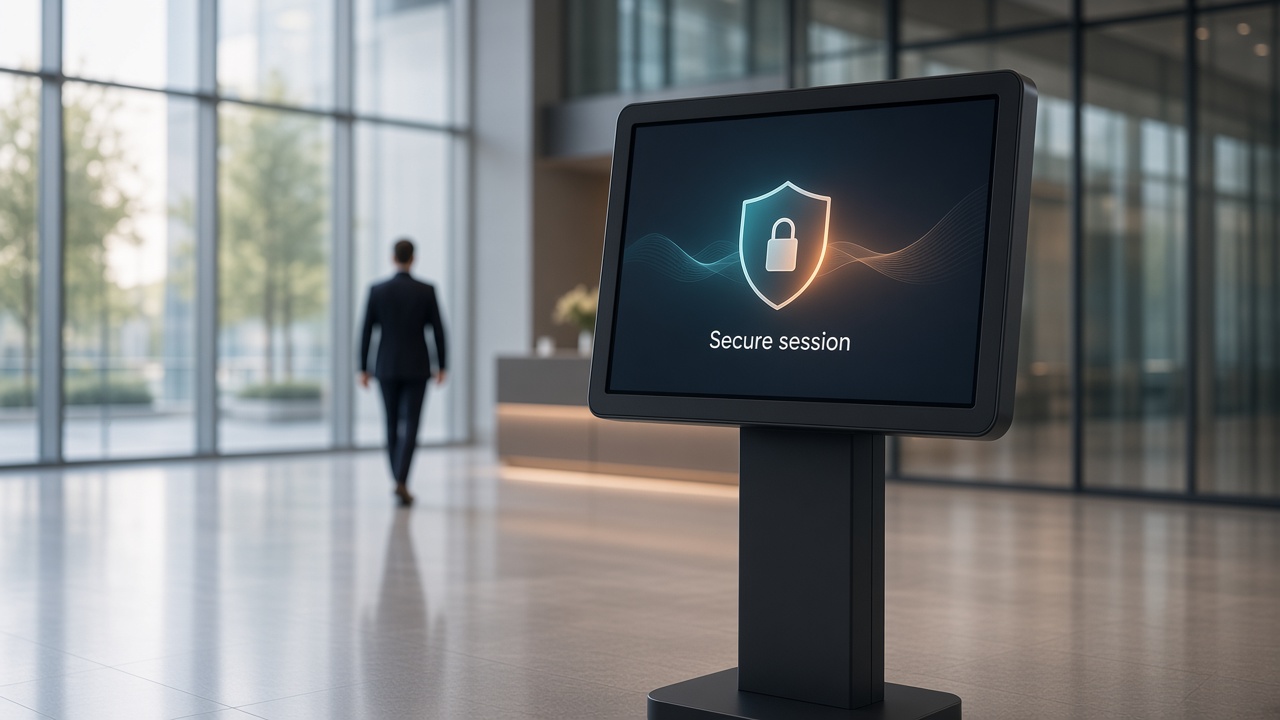
Session tokens are minted on the server, then expired. No standing secrets on the glass.
Access stays inside the organization. Another client's screens and conversations stay in that other account.
Devices never hold long-lived provider keys. Pairing and sessions stay under admin control.
Operators only see their own organization. Client data stays inside that tenant.
Token lifetime, pairing, and which organization owns a screen can be checked from the console.
Unpair, rotate, and refresh from one console — across every screen you deploy.
Platform
One console for content, maps, notices, and every screen. The software runs on the hardware you already have. OEMs keep the enclosure (partner details). Idle revenue creatives live here too.
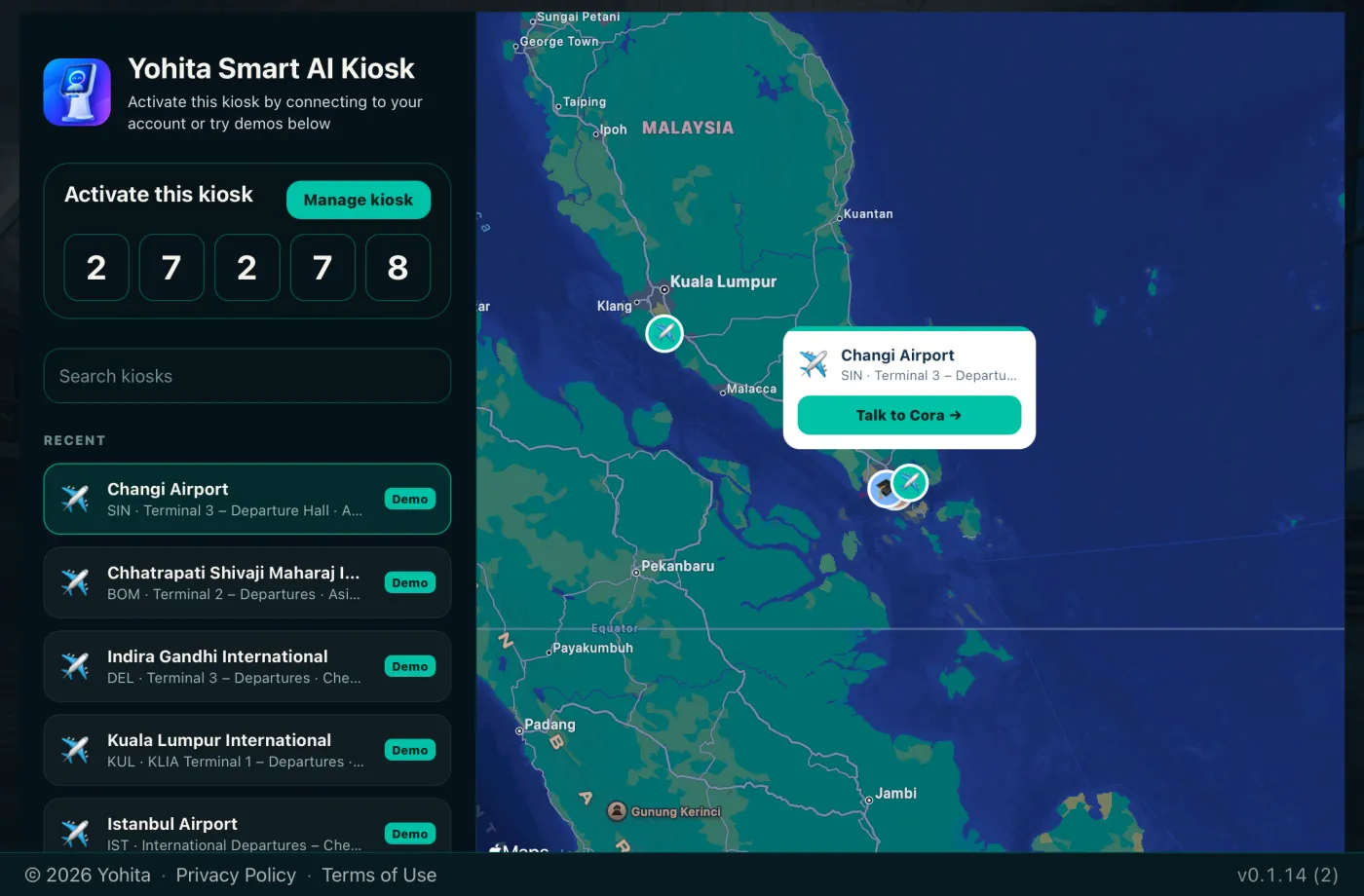
01
A simple pairing code. Claim the device in admin, assign a config, and it goes live.
02
Content, floor plans, FAQ, Wi-Fi QR, notices, and idle creatives — refreshed without ending a live session.
03
Upload your own floor plans, or use Mapbox indoor where coverage exists. Wayfinding starts from where the kiosk stands.
Features
A virtual assistant kiosk for flights, maps, and the right desk. It is also an AI concierge kiosk for the questions a desk hears all day: 50+ languages, live flights, indoor maps, notices, and a console for the fleet. Software only, on screens you already own.
Know more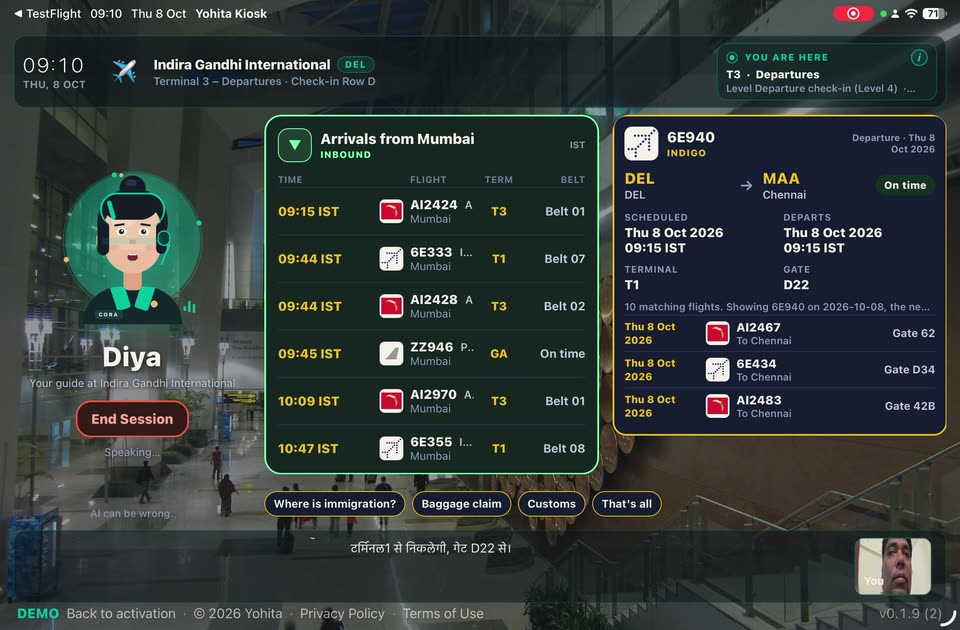
50+ languages in and out. The visit does not start on a language menu.
Video, promotions, and your backdrop while the kiosk waits.
Guest Wi-Fi, FAQs, and notices live in admin. Updates land on the next heartbeat.
Upload a floor plan, or use Mapbox indoor. Directions start from this kiosk.
A short code on the screen. Claim the device, assign a config, and it goes live.
Online status, app version, and active mic — visible from one console across the fleet.
Partners & Peripherals
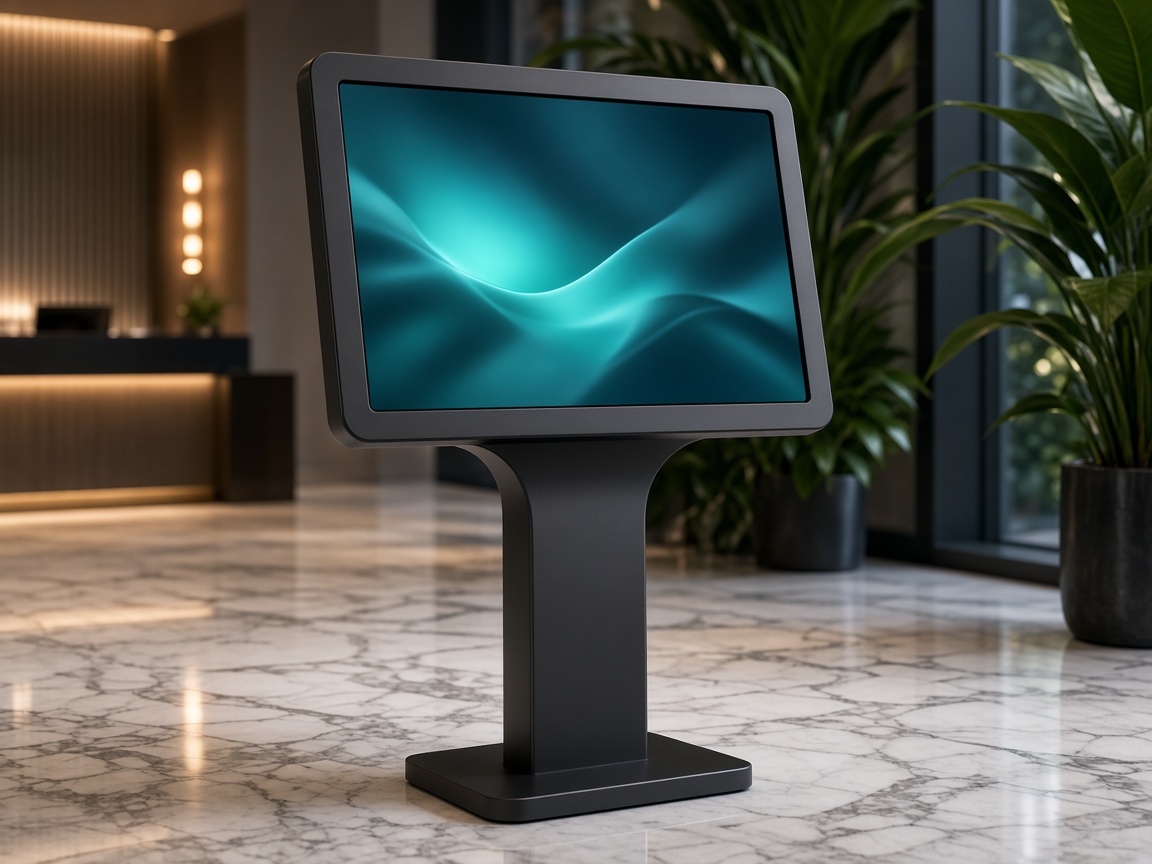
Deliver SmartKiosk as a complete custom-designed enclosure or retrofit it onto existing screens. Connect printers, cameras, biometric scanners, and payment devices — every deployment is configured to the exact workflow the venue requires.
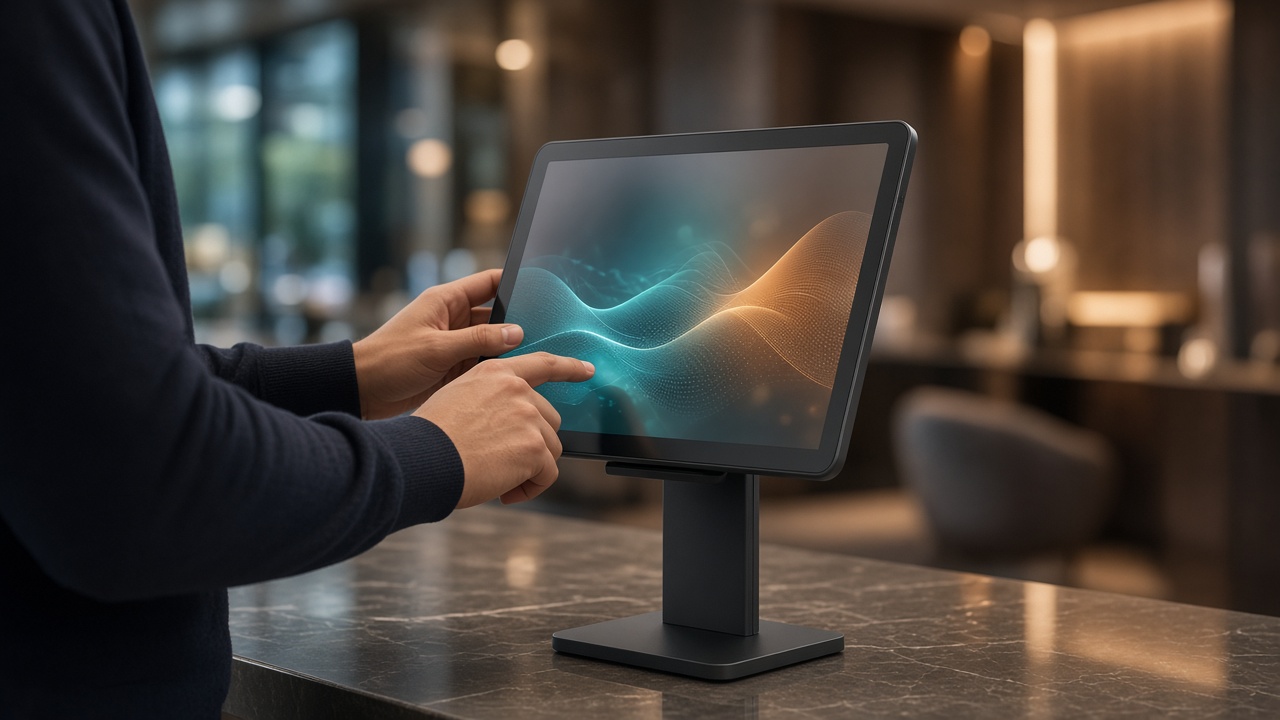
Deploy as a purpose-built custom enclosure — freestanding totem, wall mount, or countertop unit — or run on Android and iPad screens you already have.
Connect printers, cameras, biometric scanners, and payment terminals as the deployment demands. Hardware adapts to the use case, not the other way around.
Your persona name, logo, and domain from admin. Branding and idle creatives sync fleet-wide without a rebuild.
Bundle SmartKiosk on the enclosures you already ship. Partners keep the hardware business and add enterprise AI voice on top.
Get the app
SmartKiosk is the information kiosk app on Google Play. iOS is a TestFlight test while the App Store listing is on the way. Open the app and try a prebuilt airport demo — live flights, indoor maps, and more.
FAQ
What it does, which screens it runs on, and how an airport kiosk gets live flights. Something else on your mind? Get in touch ([email protected]).
See all questionsSmartKiosk is voice kiosk software for tablets and smart displays a venue already owns. A visitor asks in their own language. The screen shows a flight, an indoor map, a directory entry, or a wait time.
A chatbot waits for someone willing to type. A touchscreen directory waits for the right menu. SmartKiosk starts from the spoken question and puts the result on the glass in the same moment: flights, maps, wait times, and directions.
Airport data is already connected. Pair a tablet, pick an airport the feed covers, and a working airport kiosk is ready in a few minutes, with live flights and gates. Smaller airports that are thin in that feed, and local shops, services, and notices, still need a manual update in admin.
Yes. Live audio is processed for the length of the session and is not kept afterward. What the venue keeps is a transcript, an optional compressed still, token usage, and any feedback rating — never labeled with a visitor’s name. Devices never hold long-lived provider keys. See our Privacy Policy for the full picture.
Plans are priced per kiosk per month: Free Sandbox, Platform, Managed, and Enterprise. Live flight data is included on Enterprise and an add-on on the other plans. The rate card is on pricing.